


Helping small businesses stop losing leads and start winning time
When I first started working with local businesses, I noticed a pattern:
Most of them were great at their service — but struggling to keep up with leads.
Some were using sticky notes.
Others had leads buried in unread emails.
A few relied entirely on phone calls, which meant if they missed one, the opportunity disappeared.
The result? Missed follow-ups. Lost clients. Stress.
That’s when I realized one of the most valuable things I could offer wasn’t a website or ad —
it was a simple, smart lead management system that helped turn chaos into calm.
💡 What Is a Simple Lead System?
It’s a setup that captures, tracks, and follows up with your leads automatically, using easy-to-use tools — no complicated CRM or expensive software required.
Here’s what I now build for most of my local clients in just a few steps.
✅ Step 1: Capture Leads Where They Come In
Whether it’s:
- A form on your website
- A “Request a Quote” button from your Google Profile
- A Facebook ad with a lead form
- A flyer with a QR code
I make sure that every lead has a place to land — and that it doesn’t just go to your inbox and get buried.
✅ Step 2: Automatically Send Leads to One Central Place
Instead of copying emails and phone numbers by hand, I connect the form (WPForms, Google Forms, Facebook Leads, etc.) to a central system like:
- Trello (as a visual lead board)
- Notion or Google Sheets (if you like simple lists)
- Or ConvertKit/CRM tools (if you’re ready to automate follow-ups)
This way, each new lead gets logged with:
- Name
- Contact info
- Where they came from
- What they need
- When to follow up
✅ Step 3: Trigger a Friendly Follow-Up — Automatically
I help my clients create simple follow-up messages that are sent instantly when a lead comes in.
It could be:
- A friendly “Thanks, we got your request — here’s what’s next” email
- A link to book a free call or get a quote
- A quick text (with Twilio or WhatsApp) for instant contact
This alone saves HOURS every week — and makes you look professional and responsive.
✅ Step 4: Organize by Status — So You Never Forget Who to Contact
Most clients struggle because they don’t know:
- Who they replied to
- Who asked for a quote
- Who ghosted
- Who actually booked
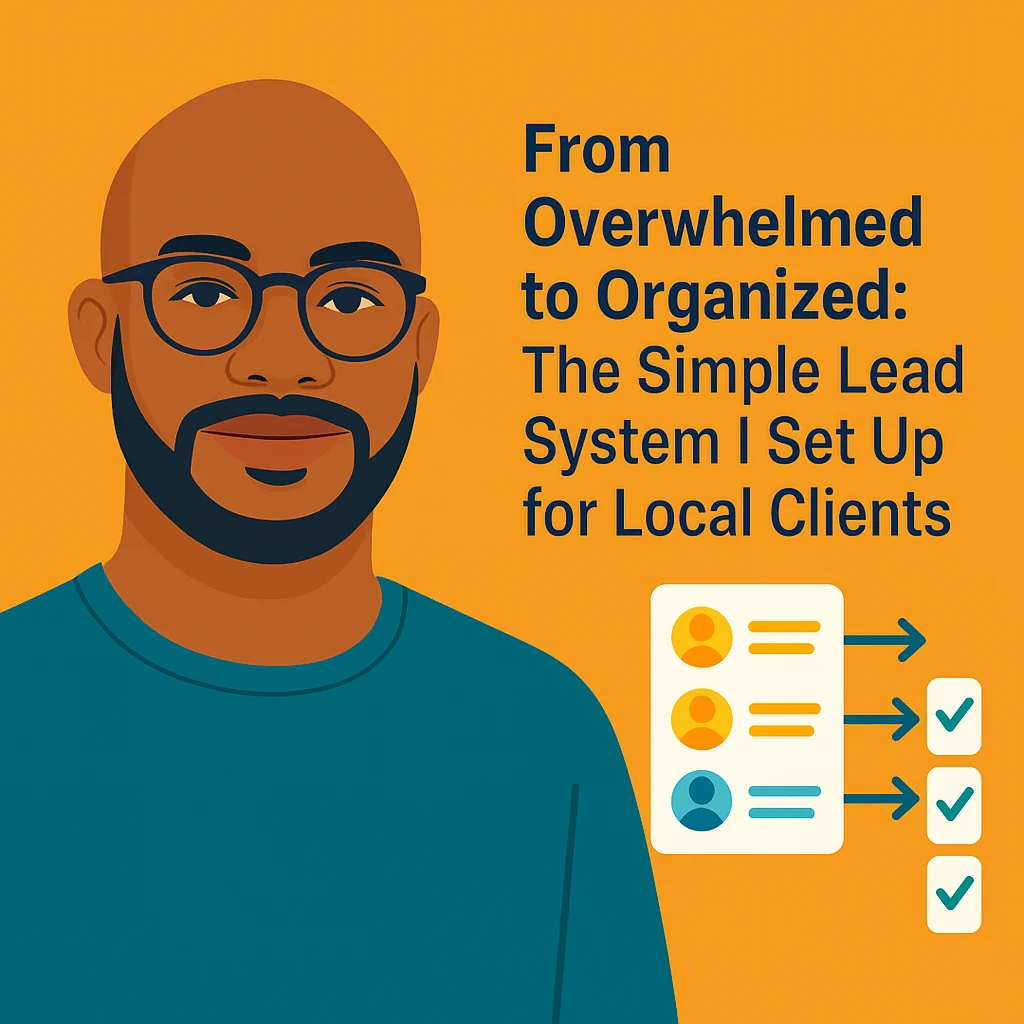
So I create a simple pipeline system with columns like:
- New Lead
- Contacted
- Waiting for Reply
- Booked
- Not Interested
You can move the lead from one column to the next — like sticky notes, but smarter.
📍 Real Example: Golden Shine LLC
Golden Shine was using Facebook Messenger and screenshots to track inquiries.
We set up:
- A quote request form → connected to Trello
- Automated confirmation email
- A lead pipeline with due dates + contact info
- Monthly summary reports with how many leads were won/lost
In 2 weeks:
✅ They booked 6 new cleanings
✅ Stopped missing messages
✅ Had a full visual view of who needed follow-up
No more digging through DMs or guessing who to call.
🛠 Tools I Use (And Recommend)
- WPForms or Google Forms for collecting leads
- Trello or Notion for organizing them
- Zapier or Pabbly for automations
- TidyCal or Calendly for appointment booking
- ConvertKit or Acumbamail for email sequences
🚀 The Result: Peace of Mind (and More Bookings)
Business owners tell me:
“I finally feel like I’m not losing opportunities.”
“Now I can focus on my service, not chasing leads.”
“It’s like having an assistant without hiring one.”
This is why I do what I do.
👋 Want Me to Set This Up for You?
If you’re a local business owner juggling phone calls, DMs, and forgotten emails — I can help.
You don’t need a huge CRM or a tech degree.
You just need a smart system that:
✅ Captures leads
✅ Organizes follow-ups
✅ Makes you look reliable and professional
I’ll build it. You run your business.
📩 Want to talk? Book a free 10-min chat — or just message me.
Let’s turn overwhelm into organized.
—
Your Digital Neighbor